
Hello and welcome. We talked about swift package manager in last writing. Every thing was seeing perfect except one thing. Anybody can read the code for it is open. If you are working a company and you have some genius ideas, you don’t wanna anyone can read your project.
Anyway let’s talk about xcframework. First, you should watch https://developer.apple.com/videos/play/wwdc2019/416/ this video, later maybe you can more clearly undestand what I am doing.
Please look at below code. We have hard-coded key. This is not good options to store key like this because anybody can read this code.
//
//  SDK.swift
//  BinaryFrameworkProject
//
//  Created by Beren Kuday Görün on 28.09.2022.
//

import Foundation

public class SDK{
    private let apiKey = "top-secret123"

    public init(apiKey:String){
        check(apiKey: apiKey)
    }

    private func check(apiKey:String){
        if(apiKey == self.apiKey){
            print("Success")
        }
        else
        {
            print("Error")
        }
    }
}
Now we will hide the apiKey via xcframework. For this we have to move the main folder of our project on terminal. And run below command. Let’s look at this command.
xcodebuild archive \
-scheme BinaryFrameworkProject \
-configuration Release \
-destination 'generic/platform=iOS' \
-archivePath './build/BinaryFrameworkProject-device.xcarchive' \
SKIP_INSTALL=NO \
BUILD_LIBRARY_FOR_DISTRIBUTION=YES
xcodebuild archive \
-scheme BinaryFrameworkProject \
-configuration Release \
-destination 'generic/platform=iOS Simulator' \
-archivePath './build/BinaryFrameworkProject-simulator.xcarchive' \
SKIP_INSTALL=NO \
BUILD_LIBRARY_FOR_DISTRIBUTION=YES
Both first and second section actually do it same thing. The first section for iOS device while the second section for simulator. Other all things are same. We have to run below command when we have got archive.
xcodebuild -create-xcframework \
-framework './build/BinaryFrameworkProject-simulator.xcarchive/Products/Library/Frameworks/BinaryFrameworkProject.framework' \
 -framework './build/BinaryFrameworkProject-device.xcarchive/Products/Library/Frameworks/BinaryFrameworkProject.framework' \
-output './build/BinaryFrameworkProject.xcframework'
Now, we have xcframework file. Let’s import this file to "hello world" project. And let’s check that we whether can be able to read source code or can’t.
As expected our code working normally.
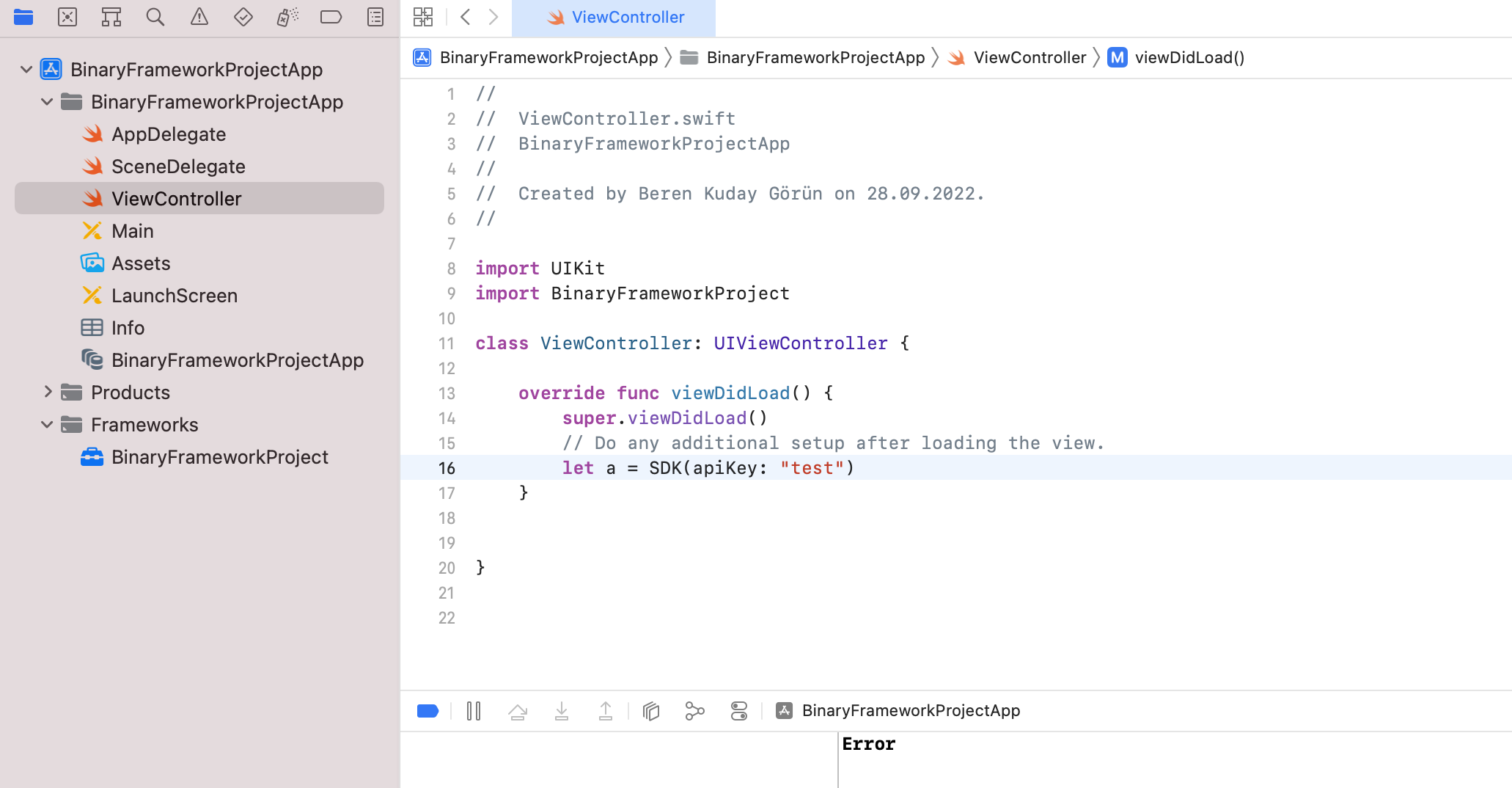
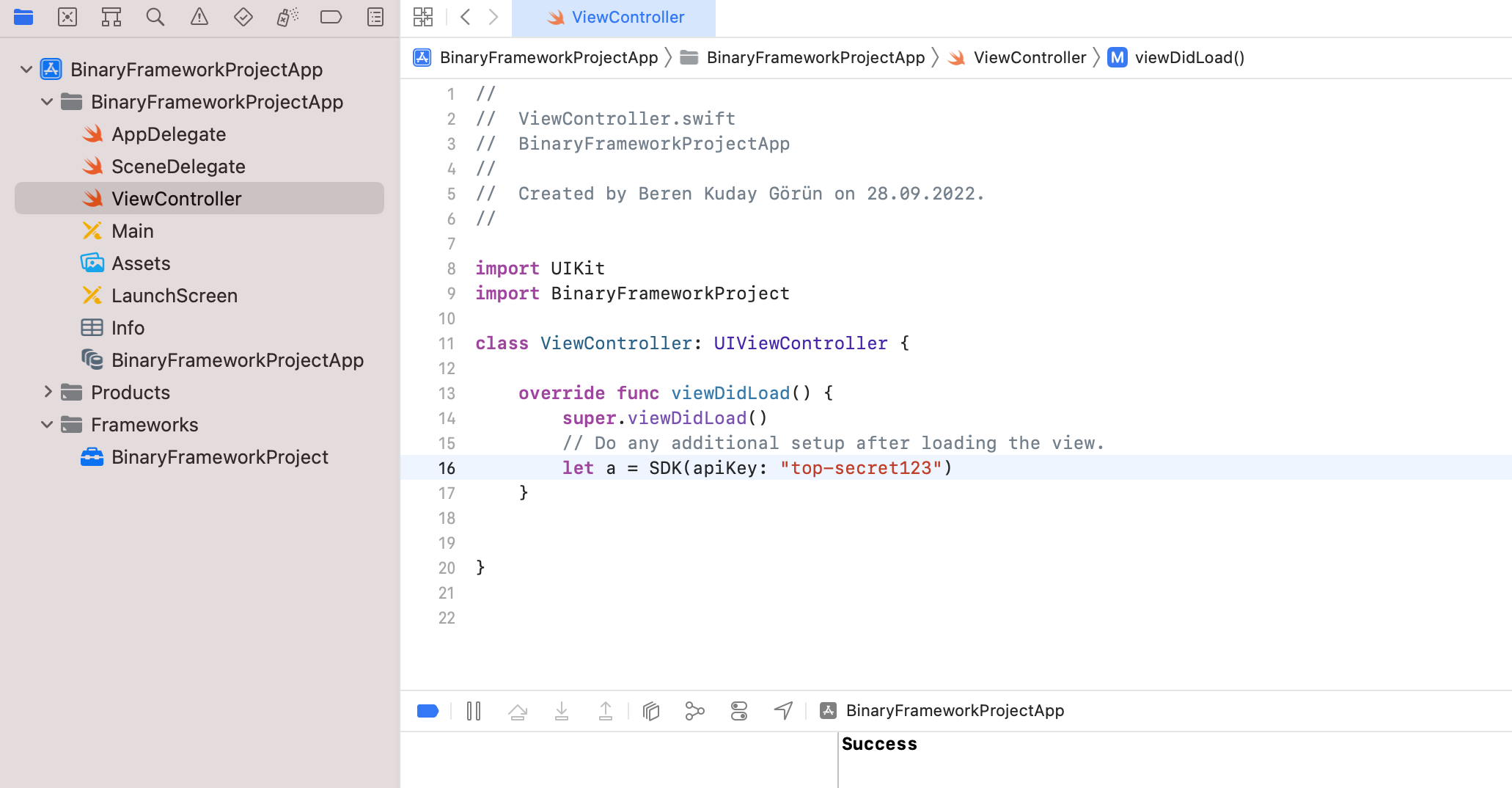
And anybody can’t see your code (apikey).
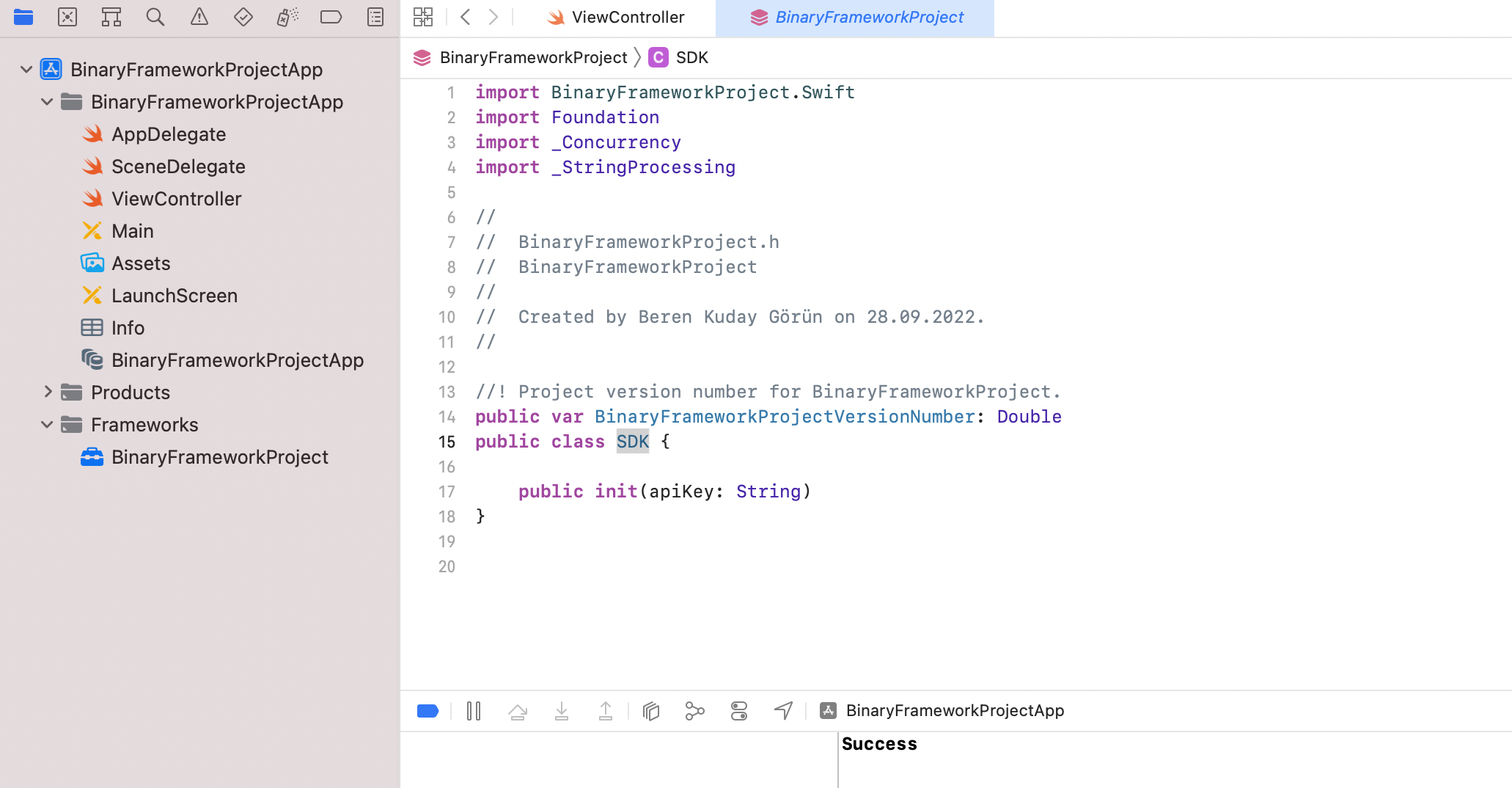
Very good! See you next.
İlk Yorumu Siz Yapın